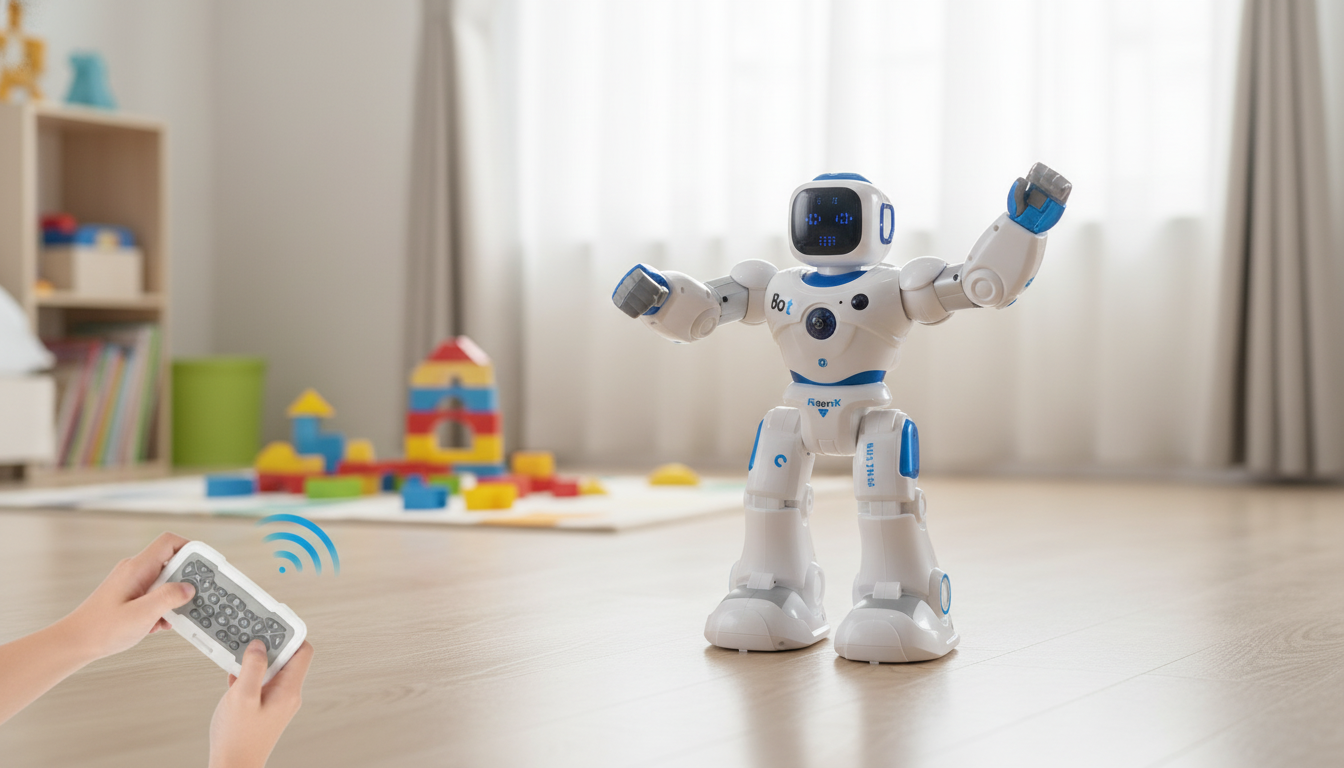
A remote-controlled robot that sings, dances, and guides simple learning activities can turn everyday play into a lively routine—part entertainer, part practice partner for early skills. The Smart RC Robot Toy – Interactive Singing, Dancing, and Learning Companion is designed for kids who light up with music, movement, and “watch me!” moments, while also giving caregivers easy ways to turn playtime into quick, confidence-building practice.
Below are practical tips on what to look for, how to set it up for first-day success, and simple games that help the robot stay interesting long after the first unboxing.
The best RC robot toys feel “alive” because they blend motion, sound, and responsive actions. Instead of passively watching lights and sounds, kids get to push buttons, steer, and see an immediate result—an easy loop that keeps attention longer than a one-note toy.
This style of toy is a strong match for kids who like toys that “perform” and invite them to respond. It can also help reluctant learners warm up to early skills through playful prompts rather than paper-and-pencil practice.
Robot toys vary widely, even when they look similar online. A quick pre-purchase check can help you avoid the most common disappointments—too loud, too tippy, or too fiddly for small hands.
| What to check | Why it matters | What to look for |
|---|---|---|
| Volume control | Keeps play manageable in shared spaces | At least 2–3 volume steps or a quieter mode |
| Battery & charging | Determines how often play gets interrupted | Rechargeable option; clear charging indicator |
| Remote responsiveness | Reduces frustration for younger kids | Buttons that trigger immediate actions |
| Stability while dancing | Prevents tipping and rough handling | Wide base or balanced design |
| Content variety | Helps avoid “one-week toy” syndrome | Several songs/moves and multiple activity modes |
A smooth first session makes a big difference. The goal is quick wins: a little driving, one “wow” dance, and a short learning mode—without overwhelm.
To make play feel even more “themed,” set up a dedicated corner or shelf for kid-friendly organization. The printable guide Creative Kids’ Room Decorating Made Easy can help create an inviting, clutter-reducing space that makes quick robot sessions easier to start (and easier to clean up after).
For broader toy-safety guidance, review recommendations from the U.S. Consumer Product Safety Commission and HealthyChildren.org (American Academy of Pediatrics).
If you’re giving the Smart RC Robot Toy – Interactive Singing, Dancing, and Learning Companion as a gift, a little “launch plan” makes it feel bigger and helps the toy get played with immediately.
It’s typically a good fit for preschool and early elementary ages, especially kids who enjoy music and movement. Younger kids often love simple driving and copying dance moves, while older kids may enjoy multi-step “missions” and turn-taking with siblings. Supervision is recommended when small parts (like remote batteries) are involved.
Power options vary by model, so it’s best to confirm whether the robot uses a rechargeable battery or replaceable batteries and what runtime is expected. For the smoothest first day, fully charge it before the first play session if it’s rechargeable.
Sound levels vary, so look for models with multiple volume steps or a quieter mode if you share walls or have nap times. Using the robot in a more open area (instead of a small echo-prone room) can also make the sound feel less intense.






Leave a comment